
TeX Anywhere1.5 - App Store
You'll be able to see results in few seconds.
Publisher Description
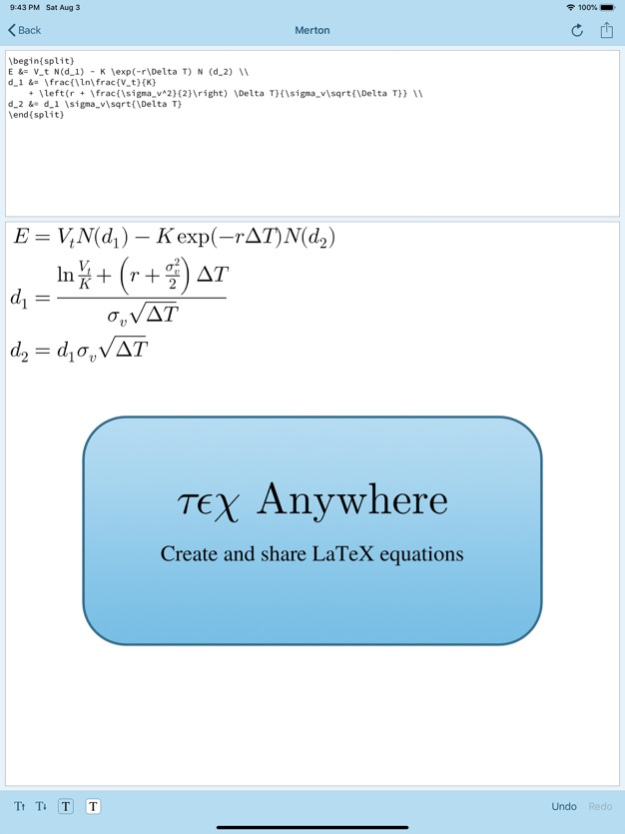
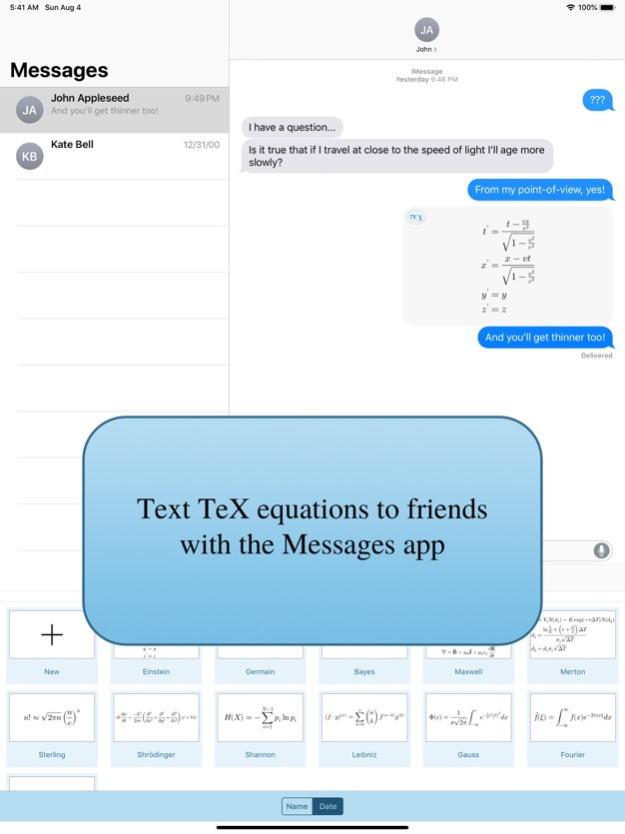

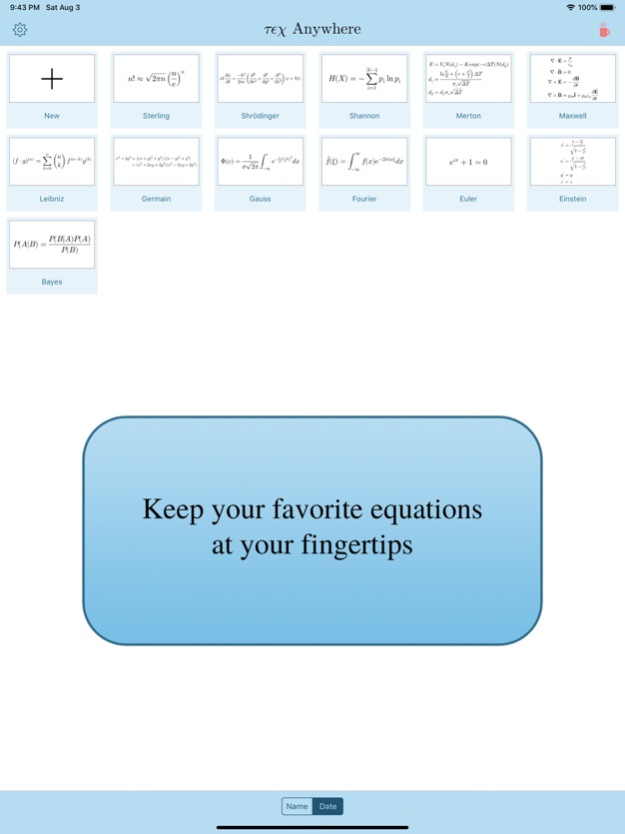
With TeX Anywhere you can quickly create and share beautifully formatted mathematical equations on your iPhone or iPad. Equations are input using standard LaTeX syntax and rendered in real time. Once complete, an equation can be exported to other apps such as e-mail clients, word processors, or social media apps as images or PDF files. You can also send equations from within Messages. If the receiver of your message also has TeX Anywhere installed they can edit your equation, making TeX Anywhere a valuable collaboration tool.
TeX anywhere includes a number of advanced features designed to make creating and sharing LaTeX-formatted equations quick and easy. These include:
- a keyboard toolbar providing quick access to commonly used LaTeX syntax characters,
- dozens of pre-defined macros covering mathematical operators, Greek letters, and symbols,
- options to adjust an equation's font size, text color, and background (including transparency) allowing seamless integration of TeX Anywhere equations into existing documents,
- options to export equations as images, PDF files or LaTeX code, and
- fully updated from iOS 13 including support for dark mode.
If you commonly use math to communicate, we're confident that TeX Anywhere can make your life better.
Jun 28, 2020
Version 1.5
Thank you everyone who has supported development of TeX Anywhere by contributing to the tip jar, writing App Store reviews, and sending feedback.
New in version 1.5:
+ Added support for iPad drag-and-drop. From the file picker screen, you can now long-press an equation thumbnail and drag the equation into another App.
About TeX Anywhere
The company that develops TeX Anywhere is Erik Heitfield. The latest version released by its developer is 1.5.
To install TeX Anywhere on your iOS device, just click the green Continue To App button above to start the installation process. The app is listed on our website since 2020-06-28 and was downloaded 0 times. We have already checked if the download link is safe, however for your own protection we recommend that you scan the downloaded app with your antivirus. Your antivirus may detect the TeX Anywhere as malware if the download link is broken.
How to install TeX Anywhere on your iOS device:
- Click on the Continue To App button on our website. This will redirect you to the App Store.
- Once the TeX Anywhere is shown in the iTunes listing of your iOS device, you can start its download and installation. Tap on the GET button to the right of the app to start downloading it.
- If you are not logged-in the iOS appstore app, you'll be prompted for your your Apple ID and/or password.
- After TeX Anywhere is downloaded, you'll see an INSTALL button to the right. Tap on it to start the actual installation of the iOS app.
- Once installation is finished you can tap on the OPEN button to start it. Its icon will also be added to your device home screen.
Program Details
System requirements
Download information
Pricing
Version History
version 1.5
posted on 2020-06-28
Jun 28, 2020 Version 1.5
Thank you everyone who has supported development of TeX Anywhere by contributing to the tip jar, writing App Store reviews, and sending feedback.
New in version 1.5:
+ Added support for iPad drag-and-drop. From the file picker screen, you can now long-press an equation thumbnail and drag the equation into another App.
Disclaimer
Official App Store Link
We do not host TeX Anywhere on our servers. We did not scan it for viruses, adware, spyware or other type of malware. This app is hosted by Apple and passed their terms and conditions to be listed there. We recommend caution when installing it.
The App Store link for TeX Anywhere is provided to you by apps112.com without any warranties, representations or guarantees of any kind, so access it at your own risk.
If you have questions regarding this particular app contact the publisher directly. For questions about the functionalities of apps112.com contact us.
